
Digioh Extension #76 Scrolling Controller supports two use cases:
1. Automatically scroll the page to the top of an inline campaign after changing pages. Useful for long inline forms, especially on mobile.
2. Prevent scrolling of the page behind pop-ups until they are dismissed.
To install the app, in your profile menu, top right, select Extension and install this Scrolling Controller (under the Miscellaneous category).
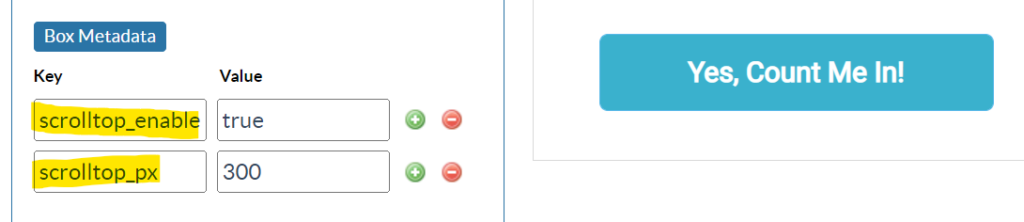
To automatically scroll, configure metadata at the Campaign level (under the Widget accordion), or at the Account Metadata level to enable for all campaigns. This only works for Inline campaign types.
- scrolltop_enable = true : turns on the feature
- scrolltop_enable = mobile : turns on the feature, mobile only
- scrolltop_enable = desktop : turns on the feature, desktop only
- scrolltop_px = num pixels : optional additional pixels to scroll, for fine tuning, default is 150px
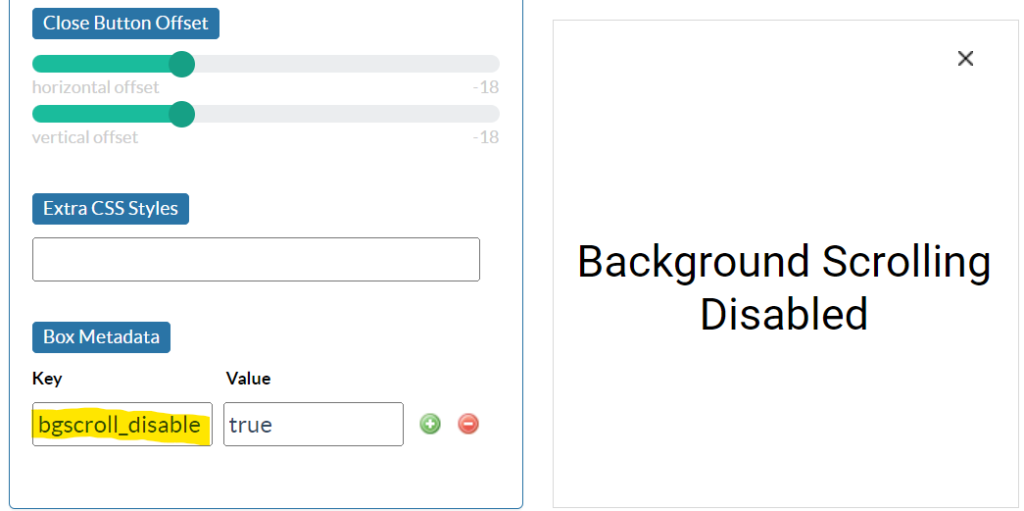
To prevent scrolling of the page behind a lightbox, configure metadata at the Campaign- or Account-level.
- bgscroll_disable = true : turns on the feature
Running into an issue or have a question? Reach out to our support team via support@digioh.com and we’ll be happy to help!