
What you’ll learn
- Delete a breakpoint
To delete a breakpoint, click on the arrows on the breakpoint bar to show it. 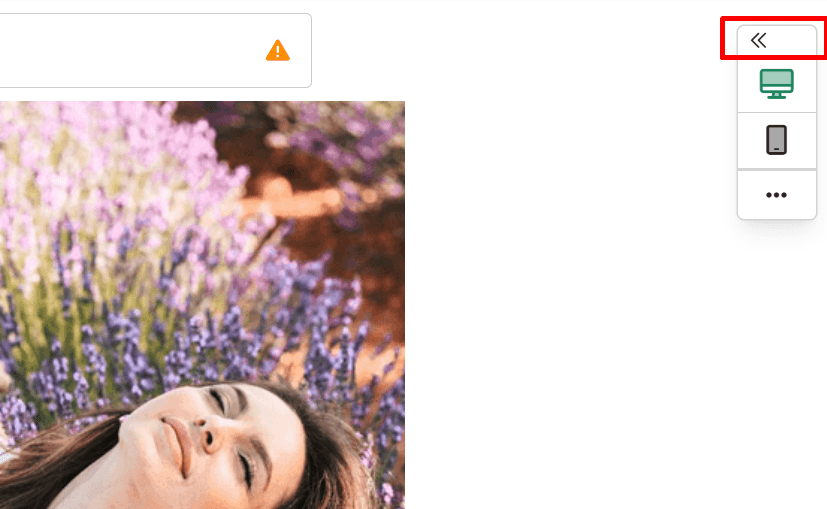
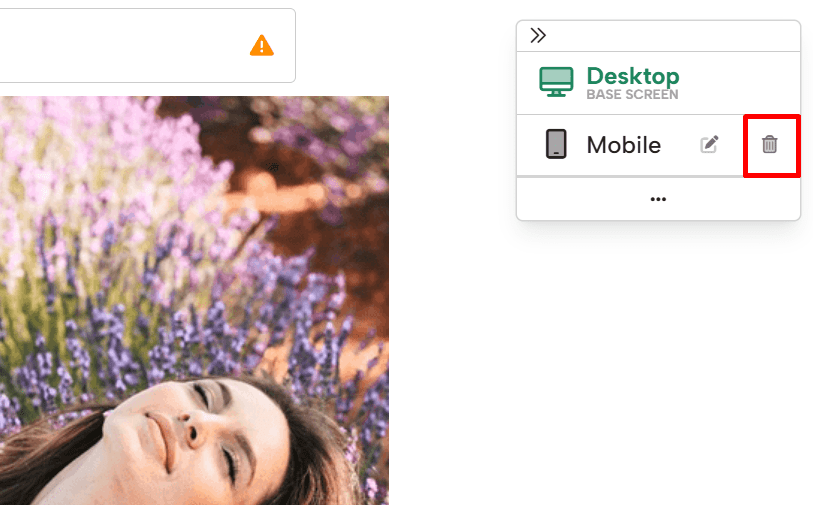
When you click it, a set of icons will appear to the right. Click the Delete icon.
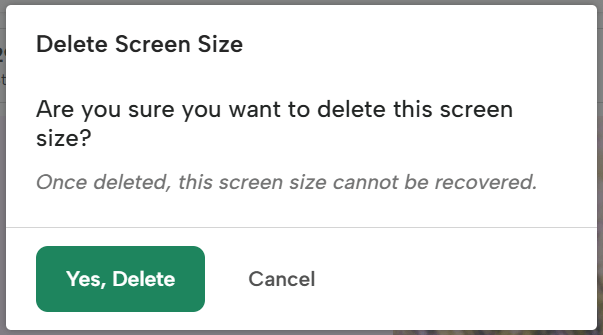
This will bring up a screen that allows you to delete or cancel the action if needed. To delete the breakpoint, select “Yes, Delete.”
If you have any questions about removing a breakpoint, send us an email and we’ll be glad to help!