
ConvertKit’s marketing platform helps creators earn a living online with tools that help creators grow audiences, connect with fans, and earn a living by selling digital products and services online. ConvertKit’s customers can use Digioh to launch high-converting pop-ups, landing pages, and quizzes that collect audience data to personalize their experiences.
If you are setting up a Digioh integration by yourself, we first recommend reading about Digioh Integration Basics.
Follow these instructions to set up a ConvertKit integration in your Digioh account.
First, take note of your ConvertKit API key and the List ID for the list that you want to integrate with Digioh.
You can find your API key in your ConvertKit account settings, under the “advanced” tab.
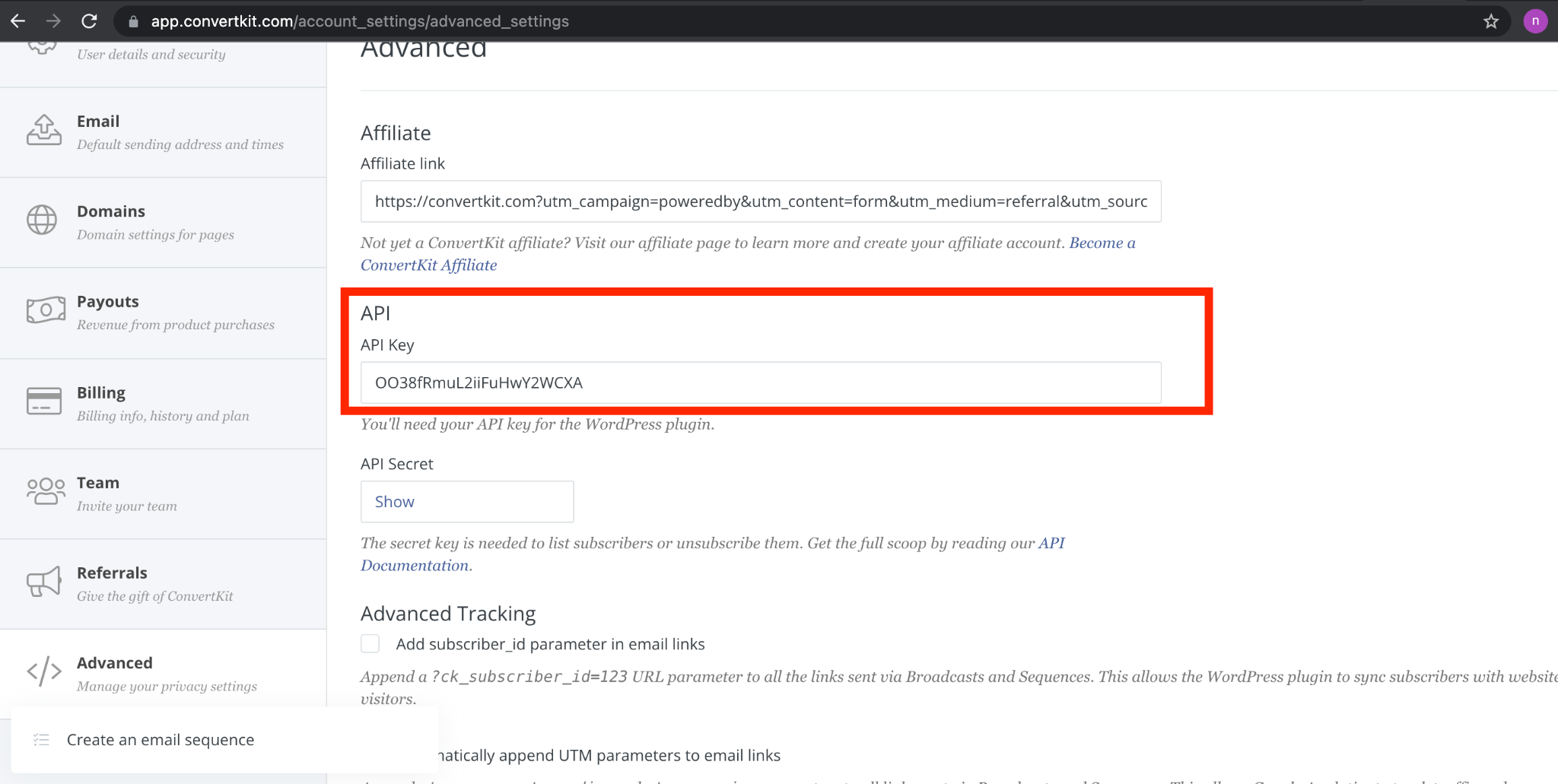
Once you have your key, log into Digioh.
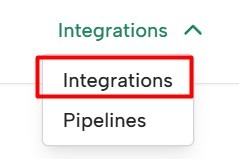
Select Integrations from the navbar:
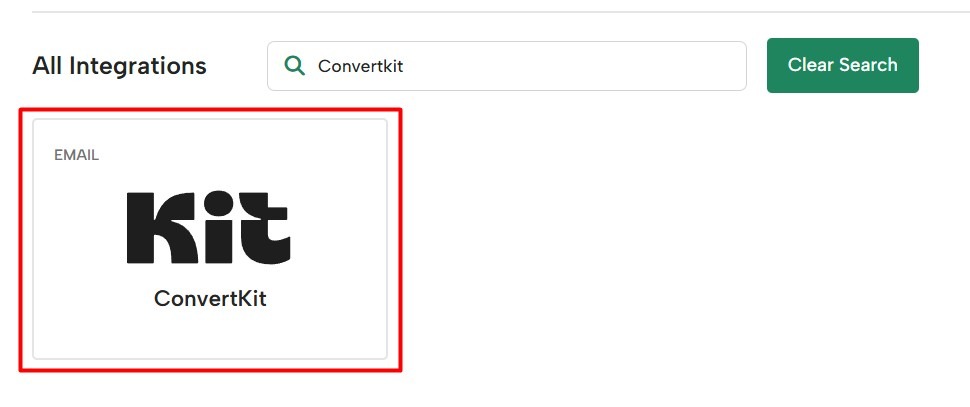
At the bottom of the Integrations page, search for “ConvertKit” and select the ConvertKit card:
On the next page, you’ll set up your integration.
Create a Friendly Name for your integration. Enter your list ID and API key. You can also choose a Digioh Campaign to associate with this integration in this step, or you can add the integration to a Campaign later.
And that’s it, your ConvertKit integration is complete!