
To delete a specific email address from Digioh, follow these steps.
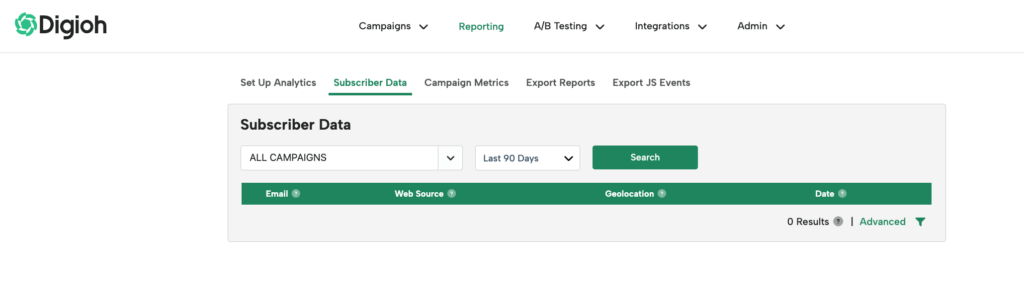
Go to Reporting on the top navigation bar when you are logged in to Digioh

Once you are on the Reporting Dashboard click Subscriber Data
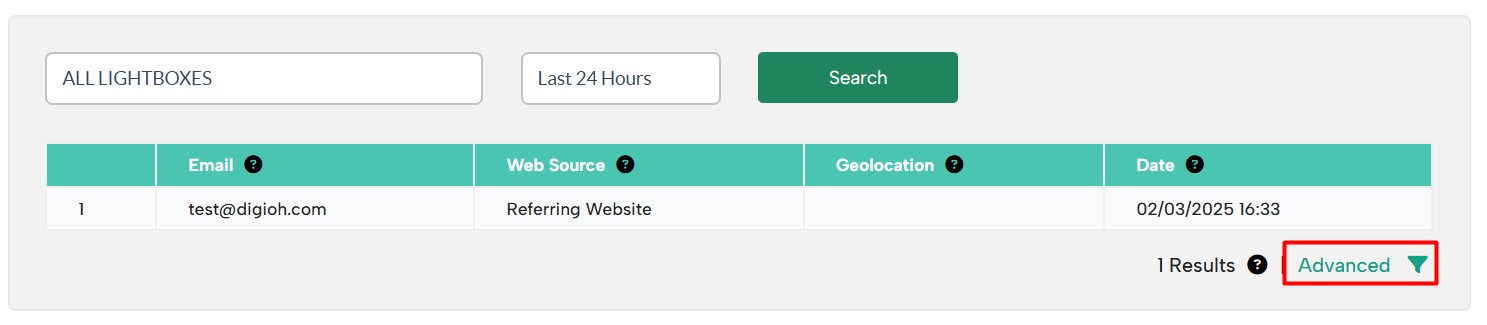
Click “Advanced” on the bottom-right of the Submissions page.
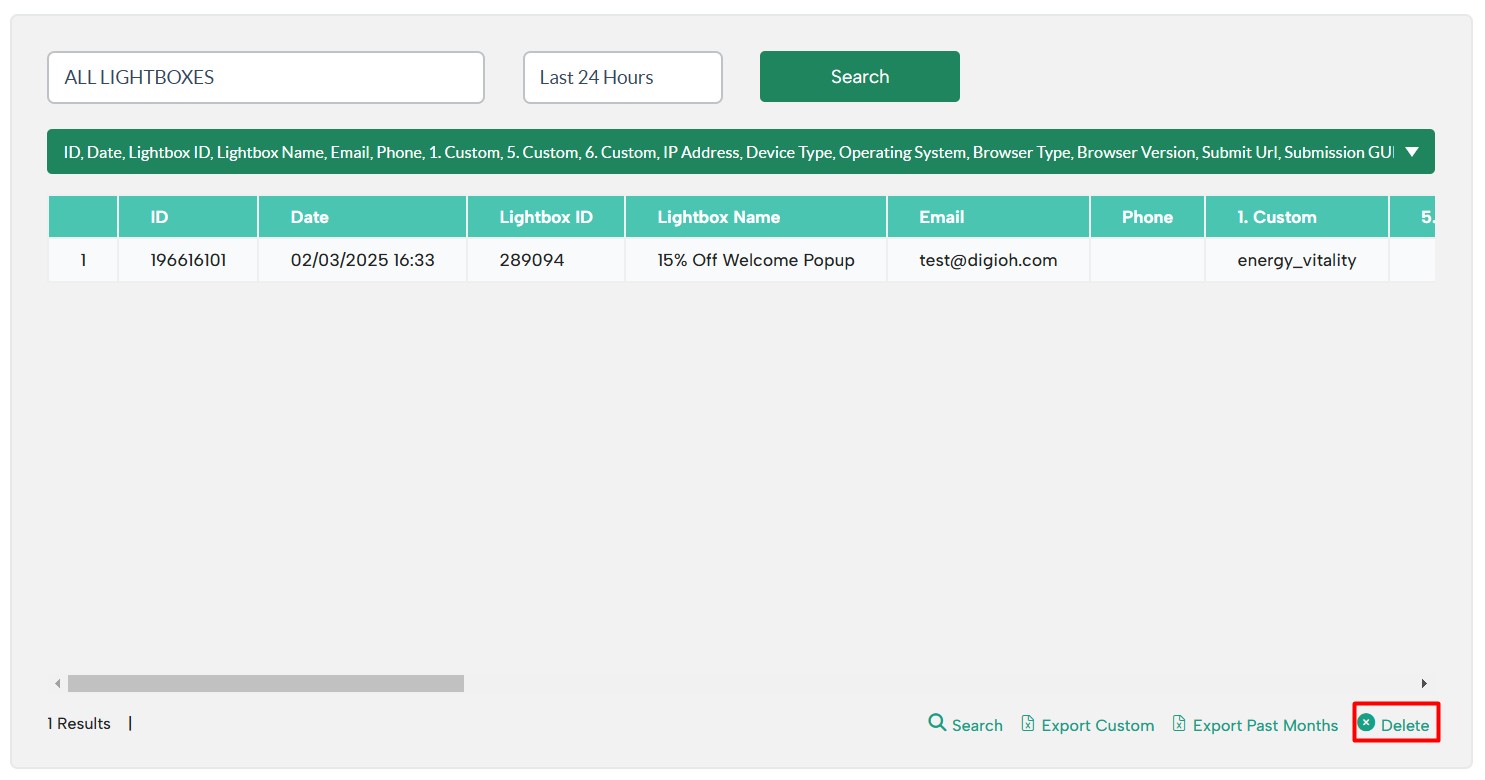
Click the “Delete” button. Then, enter the email address you want to delete:
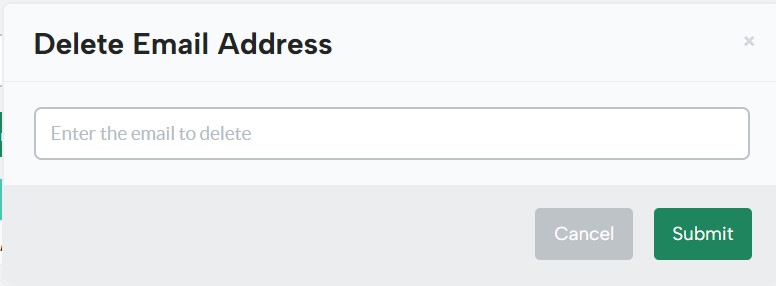
This will delete any submissions with that email address from your account.