
With Digioh, you can set up rules and conditions to target specific URLs of your website.
You can even target based on URL paths, Query Param values, ETC.
Here is a help doc just in case you need a quick breakdown of the whole URL
We have multiple operators to target different sections of the URL:
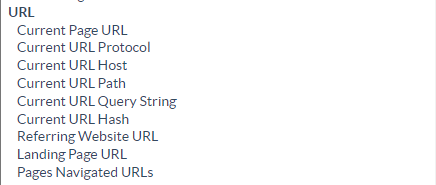
The most commonly used operator is Current page URL
You can target any URL on your website with this condition, just add what the current Page URL should contain or be equal to (or not contain or be equal to) to target your campaign to appear when the given value appears in the URL:
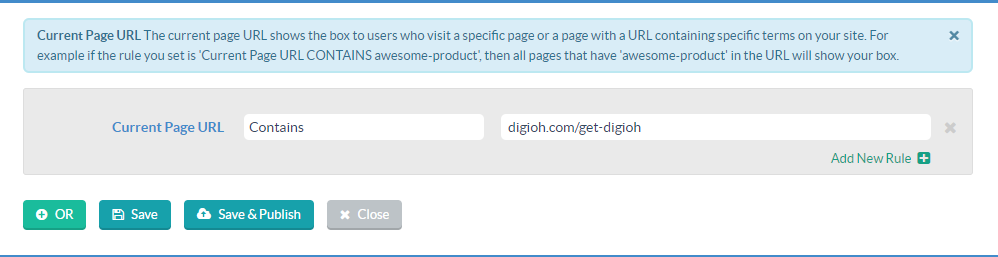
Please note: For best practices, we recommend removing the protocol (https) and subdomain (www) and and having any URL start with just your domain.
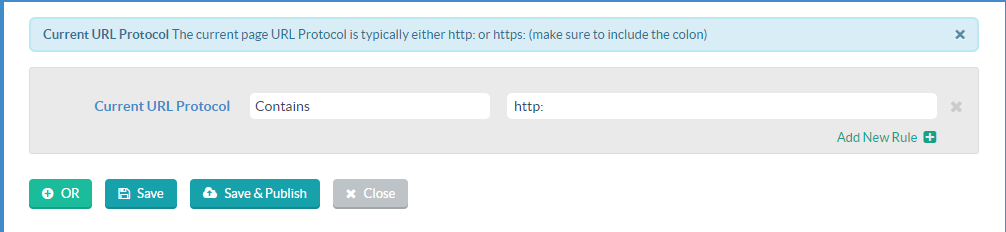
You can also use the Current URL Protocol to specify an exact protocol such as http: or https:
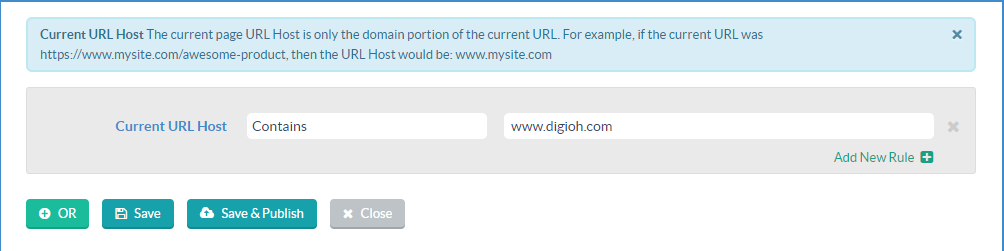
If you have subdomains and want to specify the URL host, you can use Current URL Host Conditions
You can specify the lightbox to pop up only on the homepage, For that you can use a Current URL path Condition
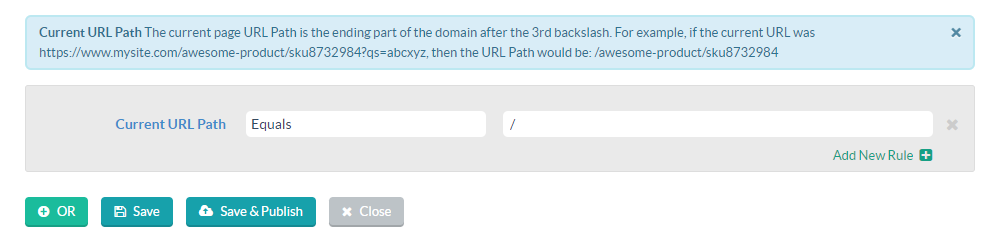
Here is a detailed version of this condition Homepage Targeting rule
To target the homepage Specifically you can add in a condition of
- Current URL path equals = /