
In Digioh, the campaigns conditions are evaluated from top to bottom. This means that when multiple campaigns meet the same conditions, the one that is highest in the list will be displayed.
It is very important to organize your campaigns in priority order. To reorder your campaigns in your Digioh account, follow these steps:
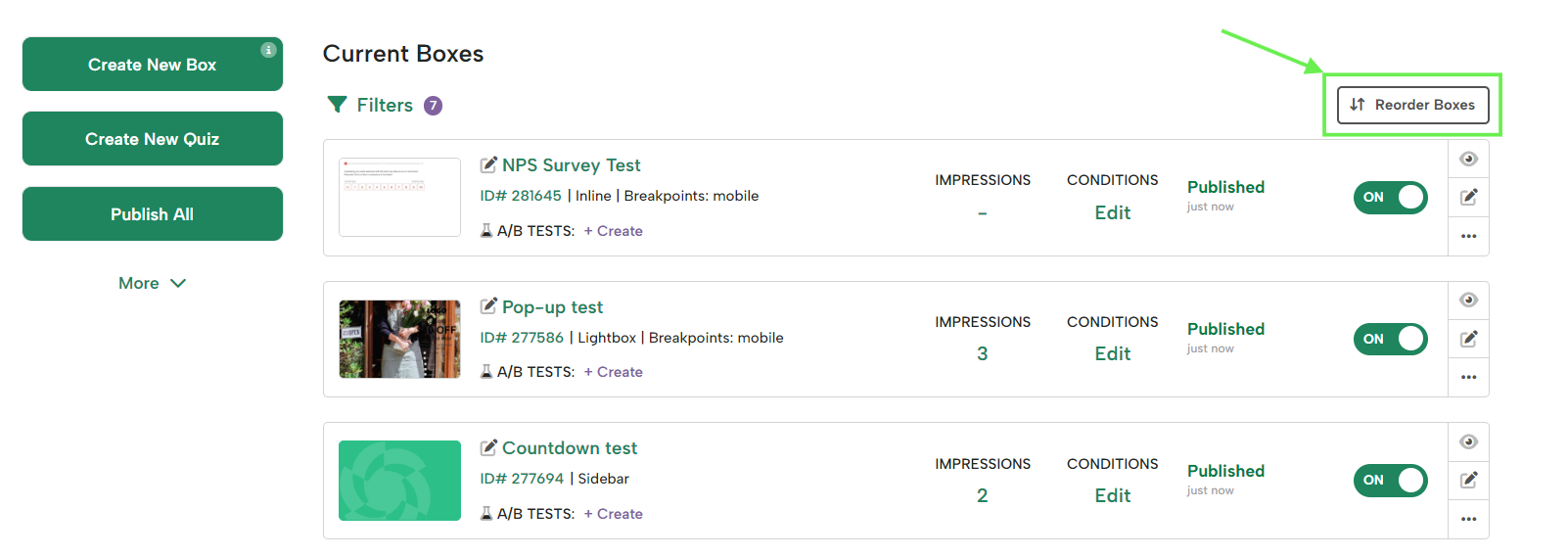
- From your campaigns list, click “Reorder Campaigns” at the top right
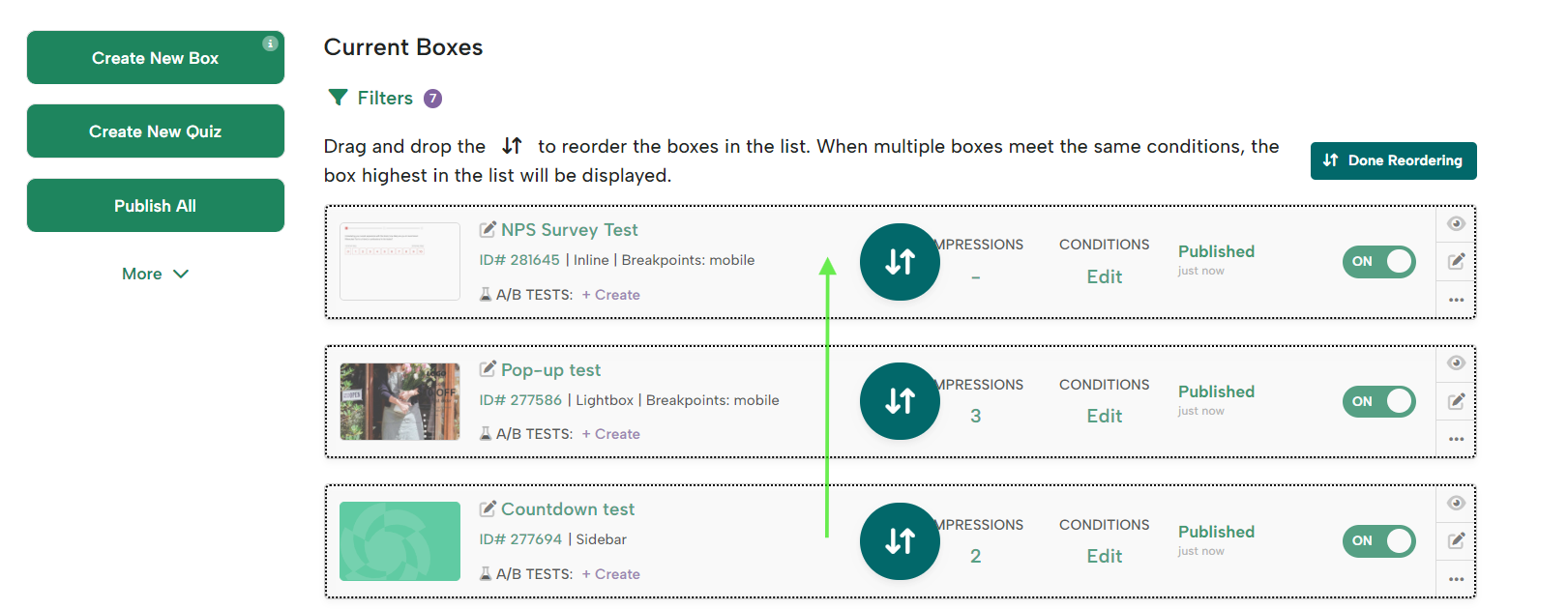
- Drag the campaigns to move them up or down.
- Once done, click “Done Reordering”
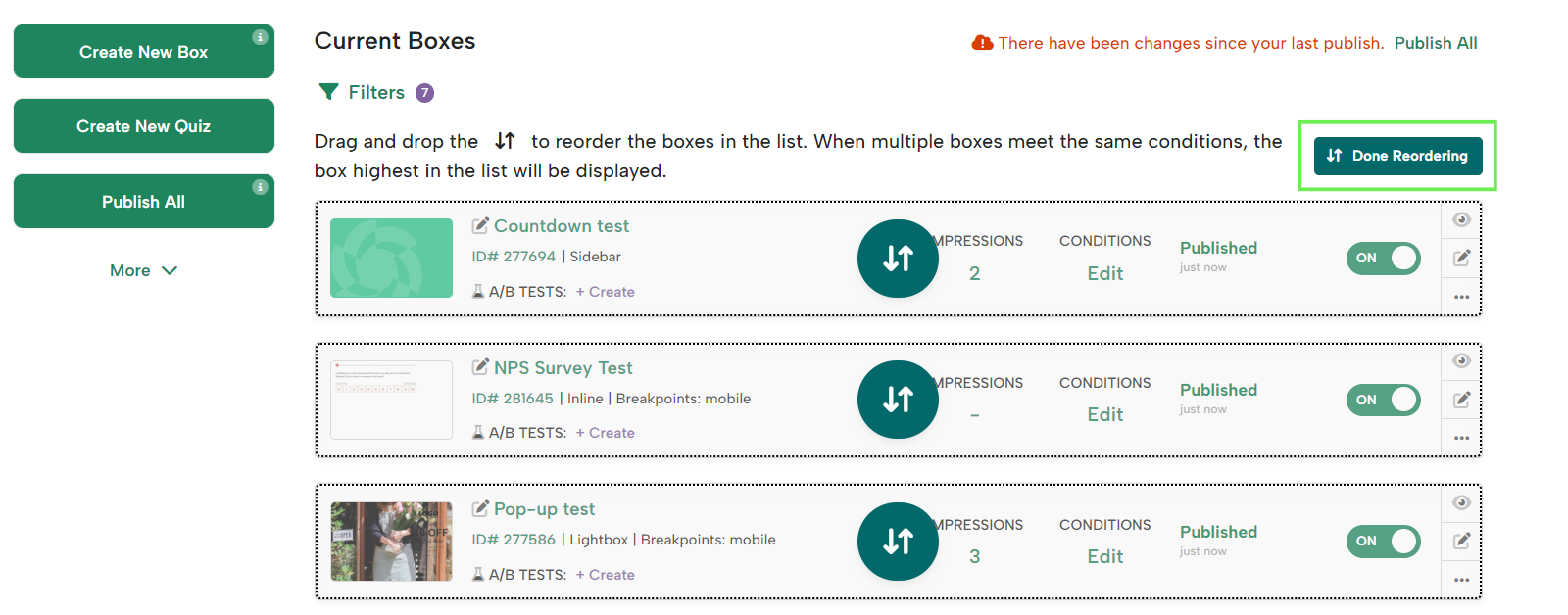
- Make sure to click Publish All to ensure your changes go live.